

 by
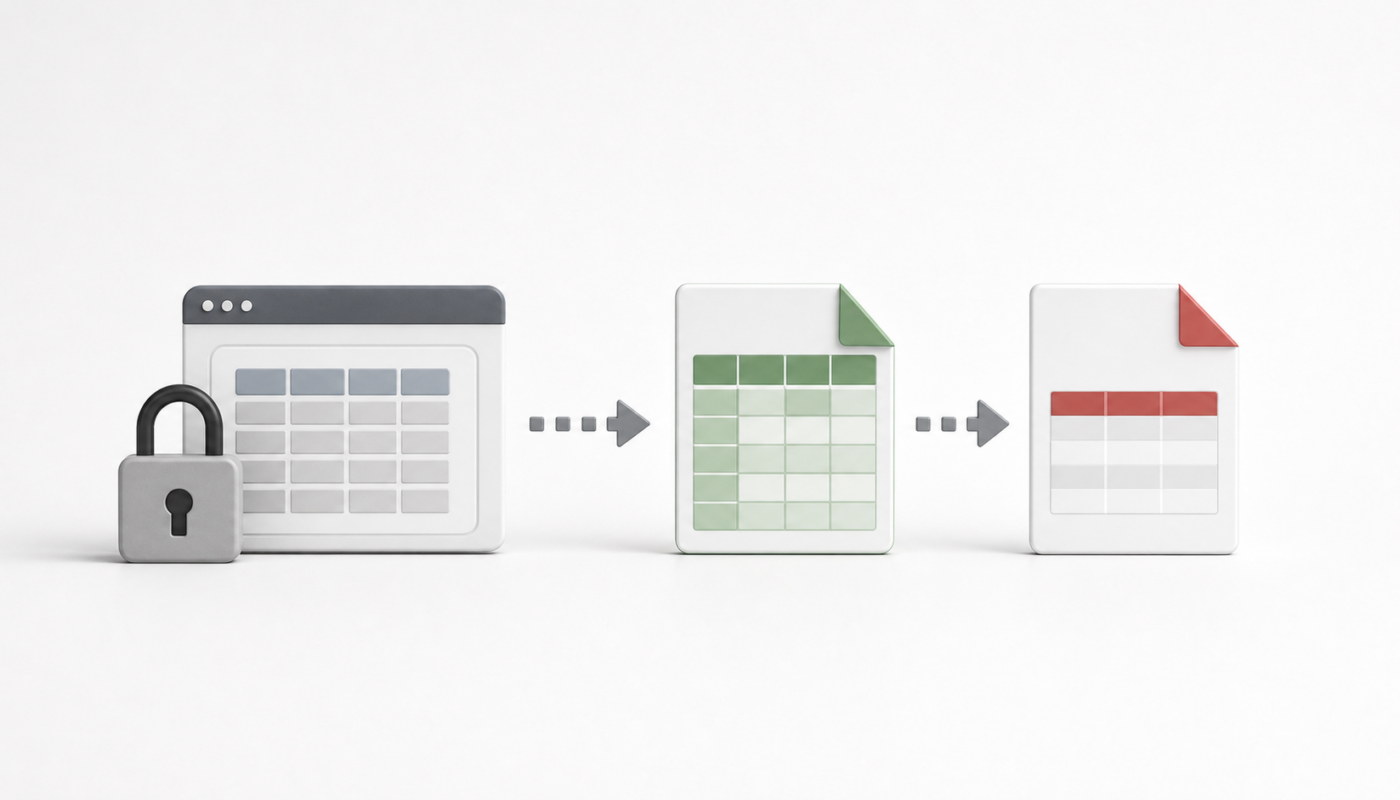
by Sometimes the most useful business data is already visible in a web application, but it is trapped behind a login and a table view. The practical requirement is simple: export the table into Excel or PDF without scraping irresponsibly, breaking terms of use, or exposing private data.
Use this only for authorized data
The first rule is ownership and permission. If you are signed in because the organization gave you access, and the export is for reporting, reconciliation, audit, or personal productivity, this workflow makes sense. If the site blocks export, rate-limits access, or forbids automated extraction, stop and use the official export path instead.
Practical toolchain
- Browser developer tools to understand whether the table is plain HTML, paginated, or loaded by an API.
- Excel Power Query when the table is accessible through an authenticated browser/session-friendly flow.
- Power Automate Desktop for repetitive copy/export actions when there is no API.
- Python or PowerShell only for authorized API-style retrieval where authentication and rate limits are respected.
- PDF export for locked snapshots where the report should not be edited.
Suggested workflow
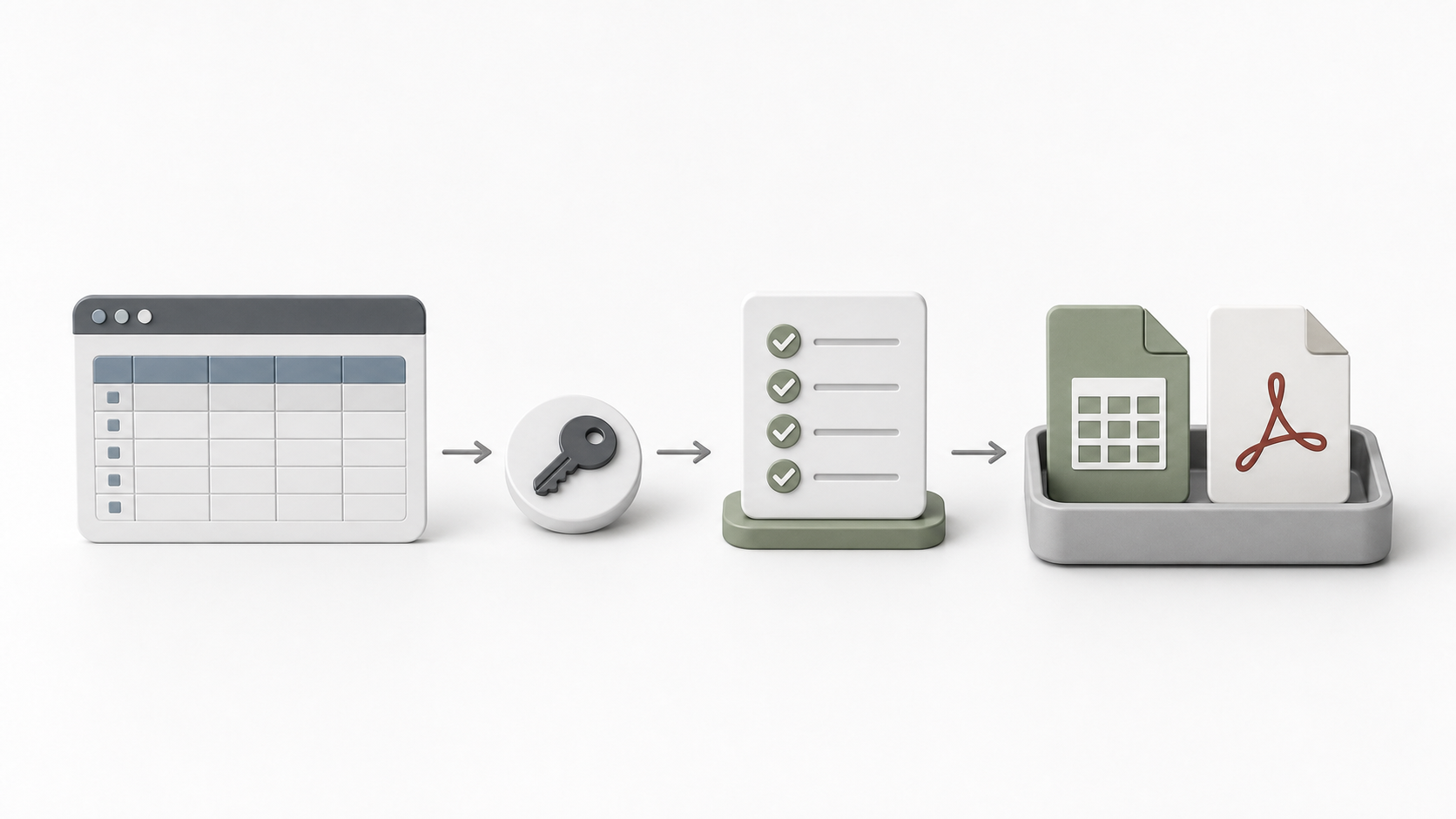
- Open the page and confirm the table is the exact data set you are allowed to export.
- Check whether the application already has CSV, Excel, print, or PDF export. Prefer the official export first.
- If no export exists, copy a small sample into Excel and validate headers, dates, currency, and special characters.
- For repeating work, build a Power Query or Power Automate Desktop flow only after the manual path is proven.
- Save an audit note showing source page, date, filter criteria, and who requested the export.
What to avoid
- Do not bypass access controls.
- Do not automate against sites where you are not authorized.
- Do not export more data than required for the report.
- Do not paste confidential tables into public AI tools.
- Do not treat a visual table as reliable until totals and row counts are checked.
A practical prompt for cleaning the export
You are cleaning a table exported from an authorized internal web application.
Check for broken rows, merged columns, missing dates, duplicate headers, and inconsistent currency values.
Do not invent missing values. Mark uncertain values as REVIEW.
Related reading
- Introduction to Windows Power Automate Desktop
- How to set up a Power Automate Desktop worker machine
- How to convert text URLs into proper URLs using AI